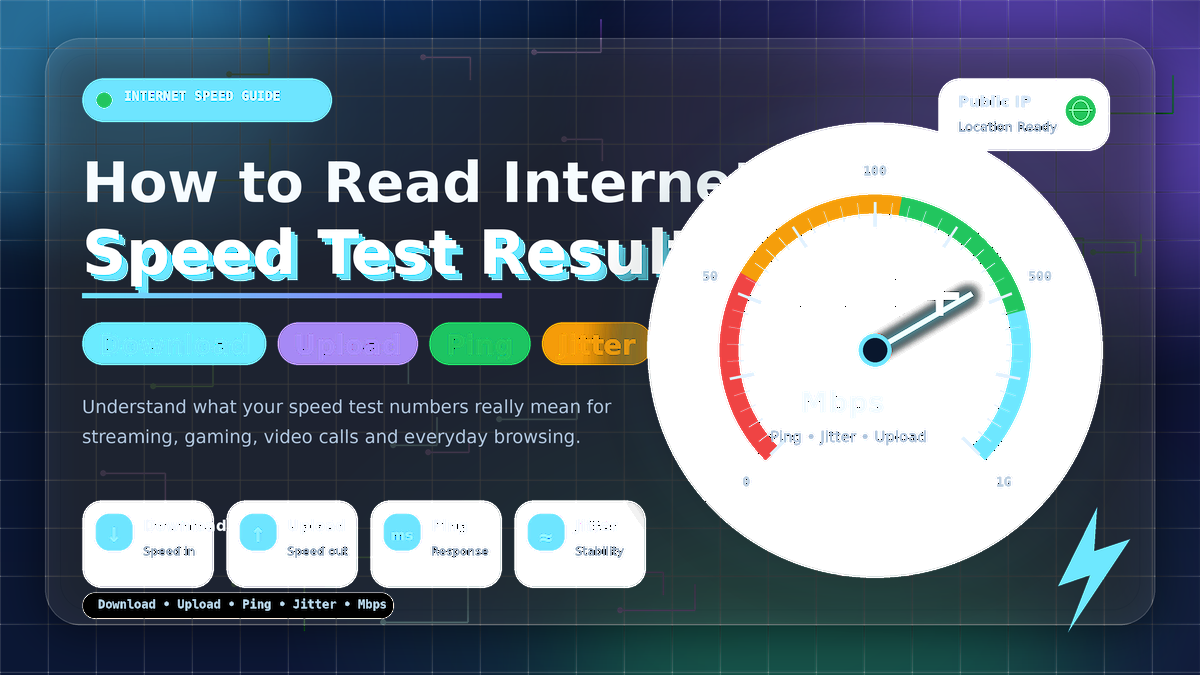
How to Read Internet Speed Test Results: Download, Upload, Ping, Jitter and Mbps Explained
📊 What Are Internet Speed Test Results?
Internet Speed Test Results show how your connection is performing right now. A speed test usually measures Download, Upload, Ping, Jitter, and Mbps. These numbers help you understand whether your internet is fast, stable, or causing problems during browsing, streaming, gaming, and video calls.
⬇️ What Is Download Speed?
Download speed means how fast data comes from the internet to your device. When you watch YouTube, stream Netflix, open websites, or download files, you are using Download speed. It is measured in Mbps. Higher Download speed means faster loading, smoother streaming, and fewer buffering issues.
⬆️ What Is Upload Speed?
Upload speed means how fast your device sends data to the internet. It matters when you upload videos, send large files, use cloud backup, attend Zoom meetings, or livestream. Many users only check Download, but Upload is very important for work from home, online classes, and content creators.
📡 What Is Ping?
Ping is the response time of your internet connection. It is measured in milliseconds. Lower Ping is better because it means your device gets a quick reply from the server. For online gaming, video calls, and live chats, Ping can be more important than high Mbps.
〽️ What Is Jitter?
Jitter shows how much your Ping changes during the test. If your Jitter is high, your connection may feel unstable even if your Download speed looks good. High Jitter can cause voice breaks, video freezing, gaming lag, and random buffering.
⚡ What Does Mbps Mean?
Mbps means megabits per second. It tells how much data your internet can transfer in one second. A 100 Mbps connection is usually good for HD streaming, browsing, and normal household use. However, good Internet Speed Test Results also depend on Ping, Jitter, and Upload speed.
✅ Quick Speed Test Result Guide
| Metric | Good Result | Best For |
|---|---|---|
| Download | 25+ Mbps | Streaming, browsing, downloads 📺 |
| Upload | 5+ Mbps | Video calls, file sharing, livestreams 🎥 |
| Ping | Under 50 ms | Gaming and fast response 🎮 |
| Jitter | Under 15 ms | Stable calls and smooth connection 📞 |
🚀 Final Words
To read Internet Speed Test Results correctly, do not focus on only one number. Check Download for streaming, Upload for sending data, Ping for response time, Jitter for stability, and Mbps for overall speed. Together, these values show the real quality of your internet connection.

Welcome to Net Speed Test — net-speed-test.gitapp.si. Here I share guides, articles and updates. Thanks for visiting!
Related Posts
 How to Run an Accurate Internet Speed Test: Wi-Fi vs Ethernet, Router and Device Checklist
 Why Is My Internet Speed Slower Than My Plan? Real Reasons and Easy Fixes
 Why Does a Speed Test Show Your IP Address and Location?
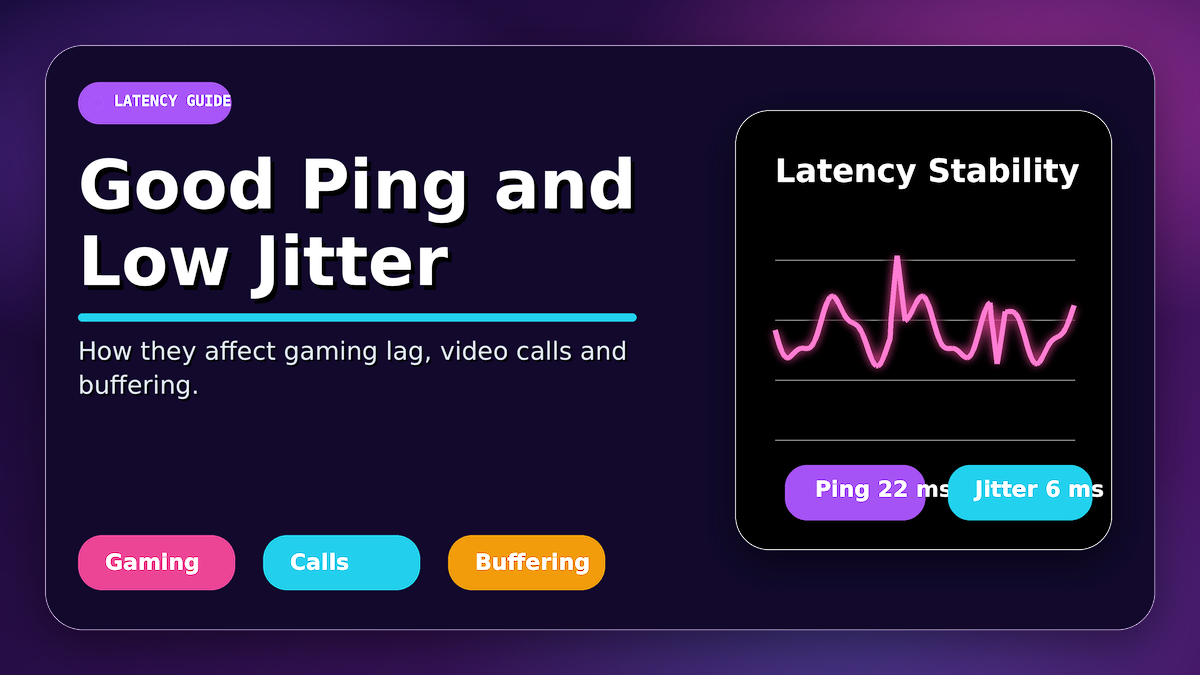 What Is a Good Ping and Jitter? How They Affect Gaming Lag, Video Calls and Buffering
Leave a Comment
No comments yet — be the first to comment!