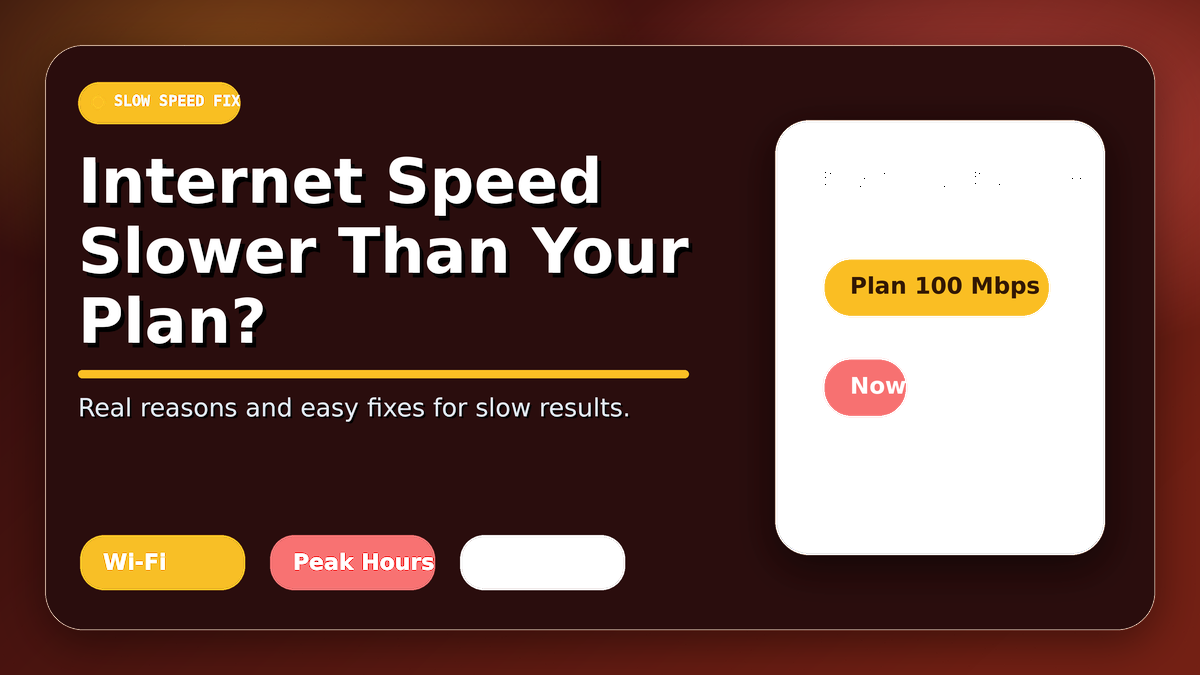
Why Is My Internet Speed Slower Than My Plan? Real Reasons and Easy Fixes
🐢 Why Is Internet Speed Slower Than Plan?
If your internet speed slower than plan result appears during a test, it does not always mean your ISP is cheating you. Internet speed can drop because of Wi-Fi signal, router limits, background downloads, device problems, or network congestion. The advertised plan speed is usually the maximum possible speed, not a fixed guarantee.
📶 Wi-Fi Can Reduce Your Speed
Wi-Fi interference is one of the most common reasons for slow results. Walls, distance from the router, Bluetooth devices, microwaves, and nearby networks can reduce your speed. If your internet speed slower than plan issue happens only on Wi-Fi, your wireless setup may need improvement.
🔌 Test With Ethernet First
To check your real ISP speed, connect your laptop directly to the router using an Ethernet cable. If the Ethernet result is close to your plan but Wi-Fi is slow, your ISP is probably not the main issue. In that case, your router placement, router quality, or device signal may be causing the slowdown.
🕒 Peak Hours Can Affect Speed
Peak hours can make your internet speed slower than plan. Many users are online in the evening, so local network congestion can happen. If your speed is good in the morning but slow at night, peak hours may be the reason.
📡 Router Bottleneck Is Common
A weak or old router can create a router bottleneck. Even if your ISP gives fast internet, an old router may not handle high speeds properly. Updating router firmware, using 5 GHz Wi-Fi, or upgrading to a better router can improve your result.
✅ Common Reasons and Fixes
| Problem | Easy Fix |
|---|---|
| Wi-Fi interference 📶 | Move closer to the router or use 5 GHz Wi-Fi. |
| Peak hours 🕒 | Test at morning, afternoon, and evening. |
| Router bottleneck 📡 | Restart, update, or upgrade your router. |
| Background apps 🚫 | Pause downloads, cloud sync, and streaming. |
🚀 Final Words
When your internet speed slower than plan result appears, test with Ethernet first, then compare it with Wi-Fi. Check ISP speed, Wi-Fi interference, peak hours, and router bottleneck. This simple method helps you find the real reason behind slow internet.

Welcome to Net Speed Test — net-speed-test.gitapp.si. Here I share guides, articles and updates. Thanks for visiting!
Related Posts
 How to Run an Accurate Internet Speed Test: Wi-Fi vs Ethernet, Router and Device Checklist
 Why Does a Speed Test Show Your IP Address and Location?
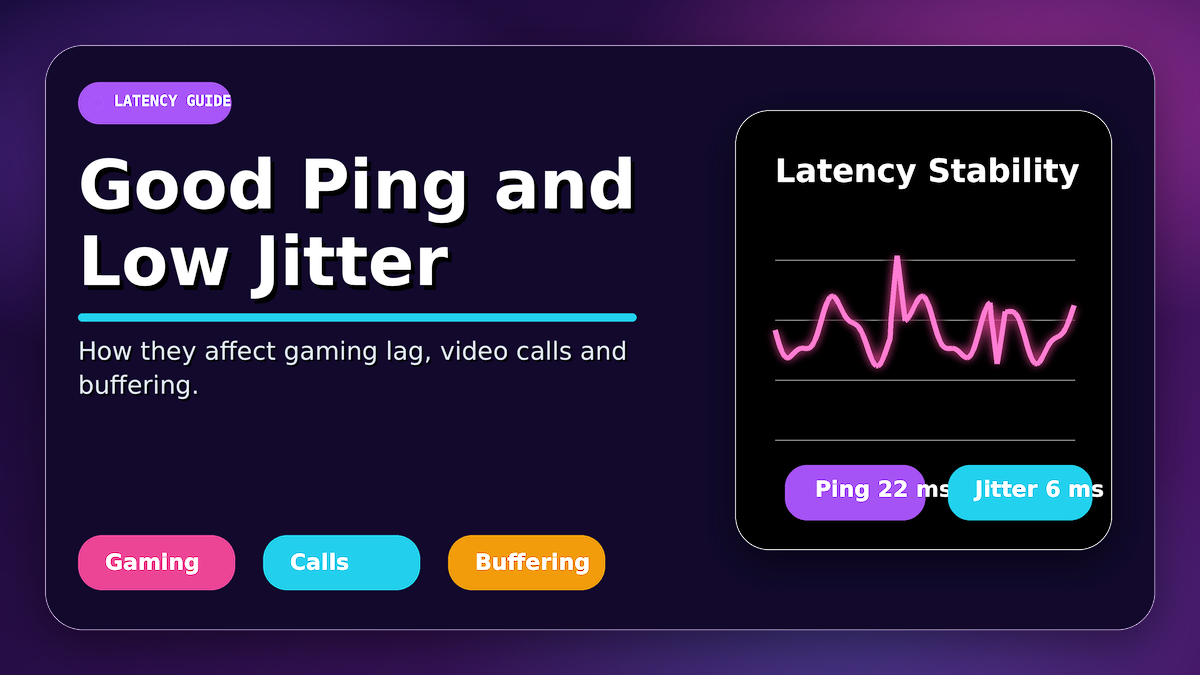 What Is a Good Ping and Jitter? How They Affect Gaming Lag, Video Calls and Buffering
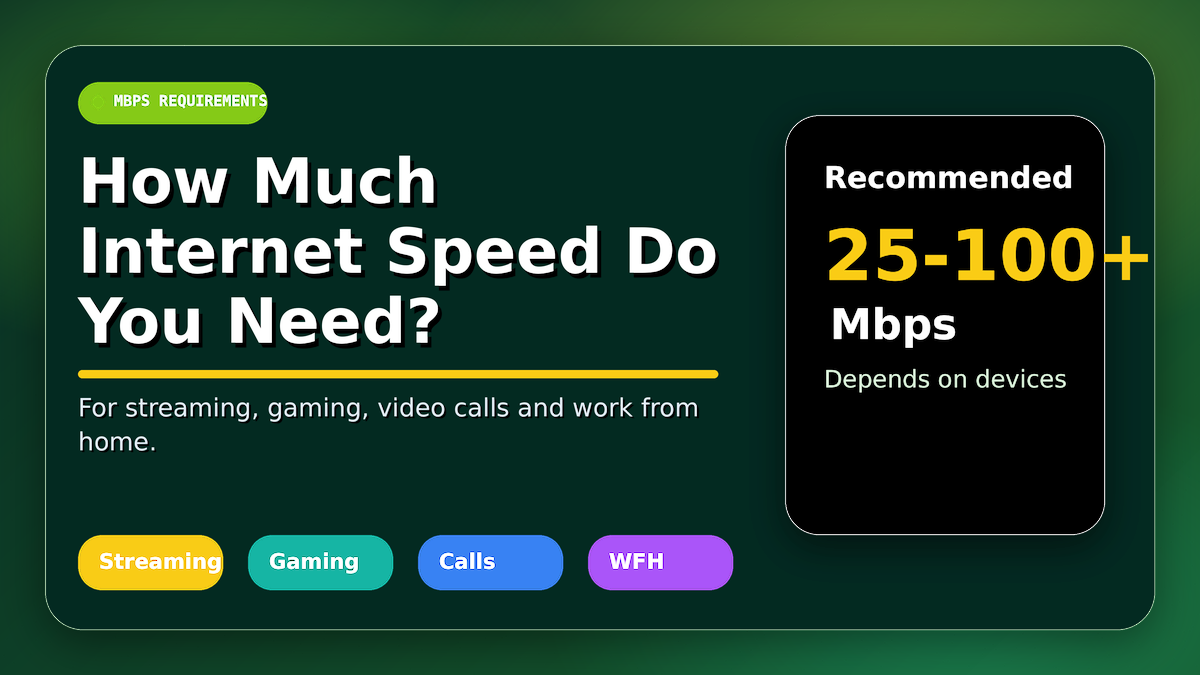 How Much Internet Speed Do You Really Need for Streaming, Gaming, Video Calls and Work from Home?
Leave a Comment
No comments yet — be the first to comment!