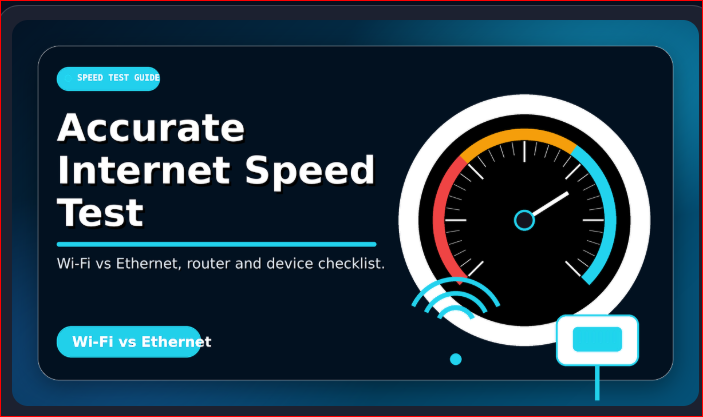
How to Run an Accurate Internet Speed Test: Wi-Fi vs Ethernet, Router and Device Checklist
⚡ What Is an Accurate Internet Speed Test?
An accurate internet speed test shows the real performance of your connection at the current moment. It measures download speed, upload speed, ping, and jitter. To get correct results, you must test your internet in the right way.
📶 Wi-Fi Speed Test vs Ethernet Speed Test
A Wi-Fi speed test checks the speed you get through your wireless signal. An Ethernet speed test checks the speed directly through a cable. If you want the most accurate internet speed test, Ethernet is usually better because it avoids weak signal, walls, and wireless interference.
🔌 Why Ethernet Gives Better Results
An Ethernet speed test is more stable because your device connects directly to the router. This helps you understand whether the issue is from your internet provider or from your home Wi-Fi. If Ethernet is fast but Wi-Fi is slow, your router, distance, or signal strength may be the problem.
📱 Check Your Device Before Testing
Your device can affect an accurate internet speed test. Old phones, slow laptops, outdated browsers, and weak network cards may show lower results. For better testing, use a modern browser, close extra tabs, and make sure your device is not downloading updates in the background.
📡 Router Placement Matters
Your router location can change your Wi-Fi speed test result. Keep the router in an open area, away from thick walls, microwaves, Bluetooth devices, and metal objects. A better router position can improve speed, ping, and stability.
✅ Speed Test Checklist
| Step | Why It Matters |
|---|---|
| Use Ethernet speed test 🔌 | Gives the cleanest and most stable result. |
| Close background apps 🚫 | Stops other apps from using bandwidth. |
| Restart the router 🔄 | Clears temporary network issues. |
| Test near the router 📶 | Improves Wi-Fi speed test accuracy. |
🚀 Final Tip
For the best accurate internet speed test, run both a Wi-Fi speed test and an Ethernet speed test. Compare both results carefully. This will help you find out whether your internet problem is from your ISP, router, Wi-Fi signal, or device.

Welcome to Net Speed Test — net-speed-test.gitapp.si. Here I share guides, articles and updates. Thanks for visiting!
Related Posts
 Why Is My Internet Speed Slower Than My Plan? Real Reasons and Easy Fixes
 Why Does a Speed Test Show Your IP Address and Location?
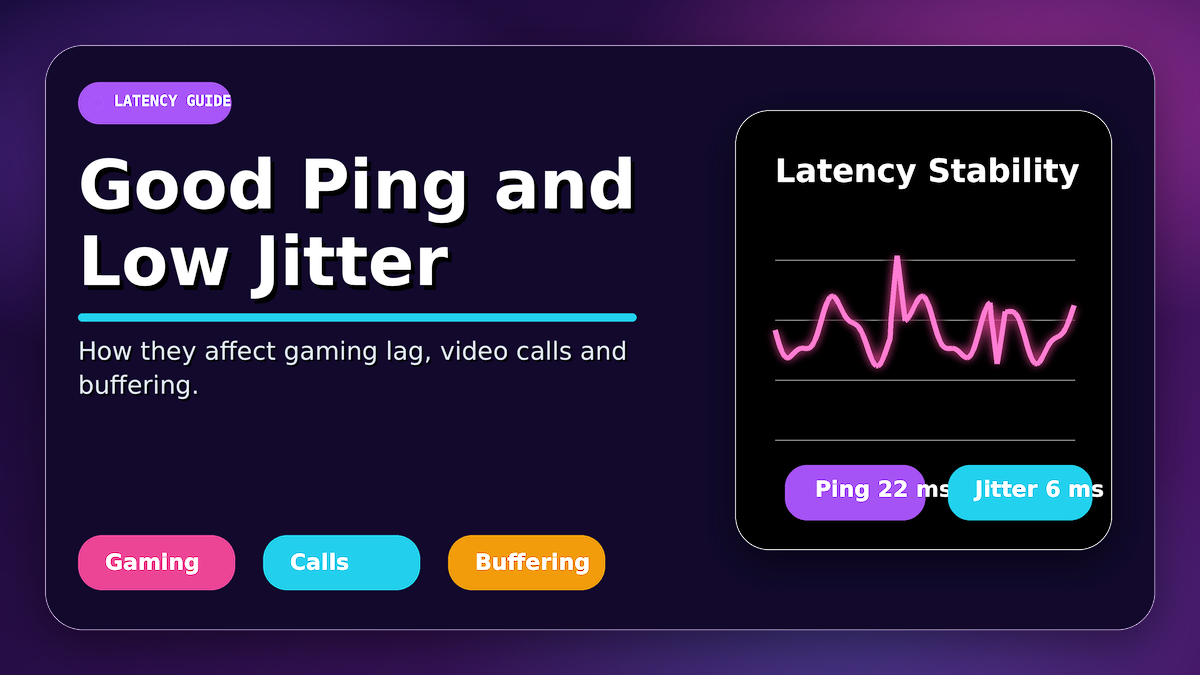 What Is a Good Ping and Jitter? How They Affect Gaming Lag, Video Calls and Buffering
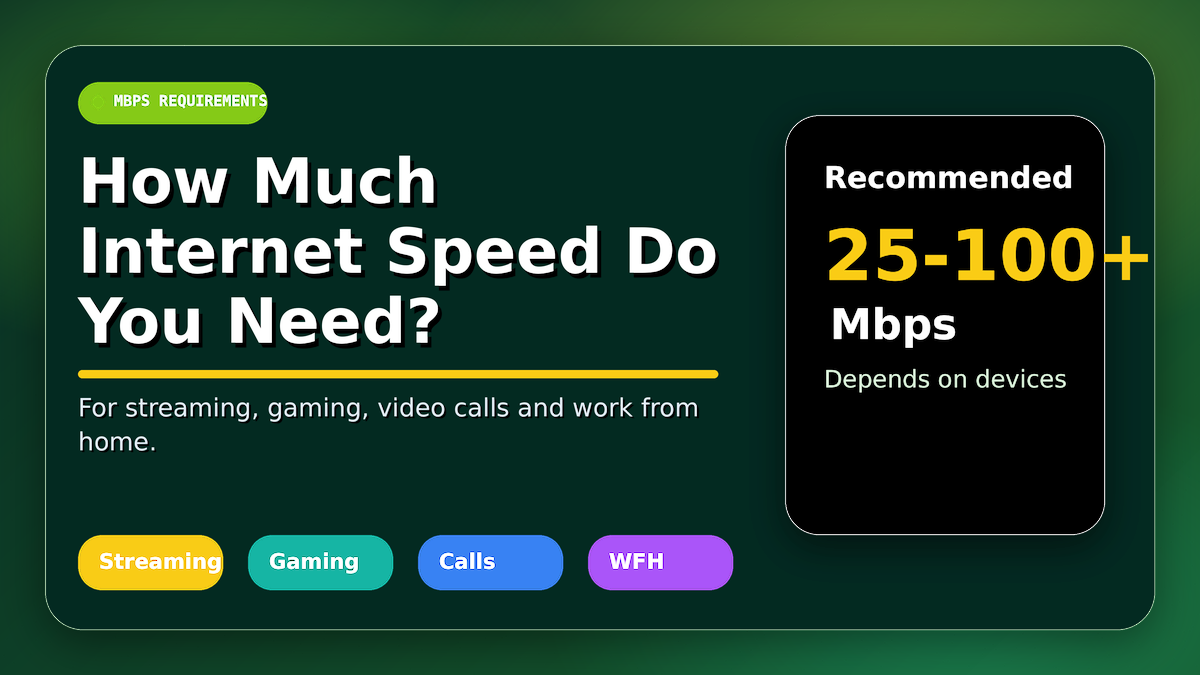 How Much Internet Speed Do You Really Need for Streaming, Gaming, Video Calls and Work from Home?
Leave a Comment
No comments yet — be the first to comment!